 WeScanDrop
Drop PointFor shops with a counter
Your customers’ files, straight to your counter.
Put a Drop Point sign by your register. Customers scan it with their phone camera and send photos and files. No app. No account.
- Your shop name on the sign and the page
- Prints on letter paper
- Files arrive with the customer’s name

How it works
Three steps. Files at your counter.
- 1
Create your Drop Point
Add your shop name, logo and color. Your QR code is ready right away.
- 2
Put the sign on your counter
Print it yourself on letter paper from your dashboard, and stand it by the register.
- 3
Customers scan and send
Photos and files show up in your dashboard with the customer’s name, and you get a notification.
What your customer sees
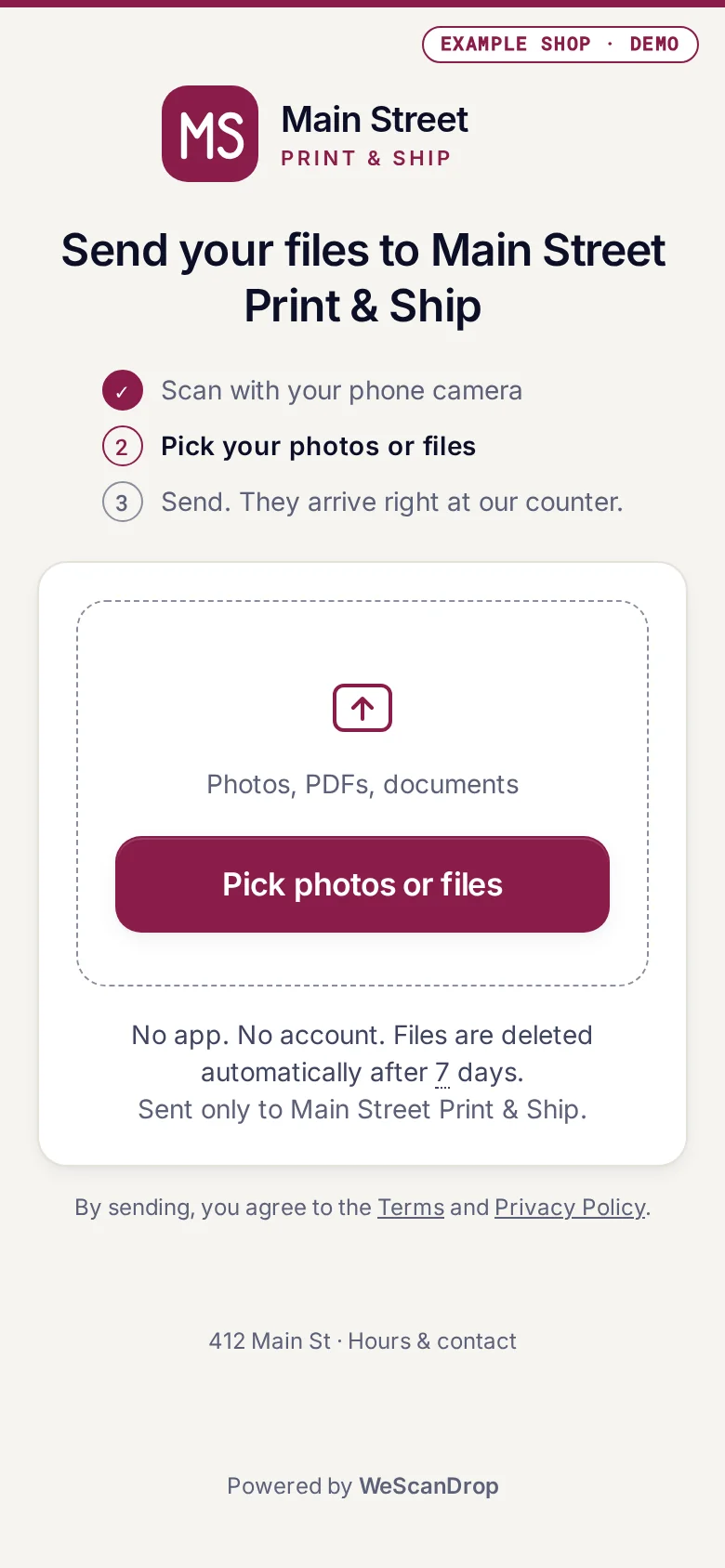
Your shop, your logo, one button.
After the scan, customers see your name and logo, pick their files and tap send. Nothing to install, nothing to sign up for.
What you see
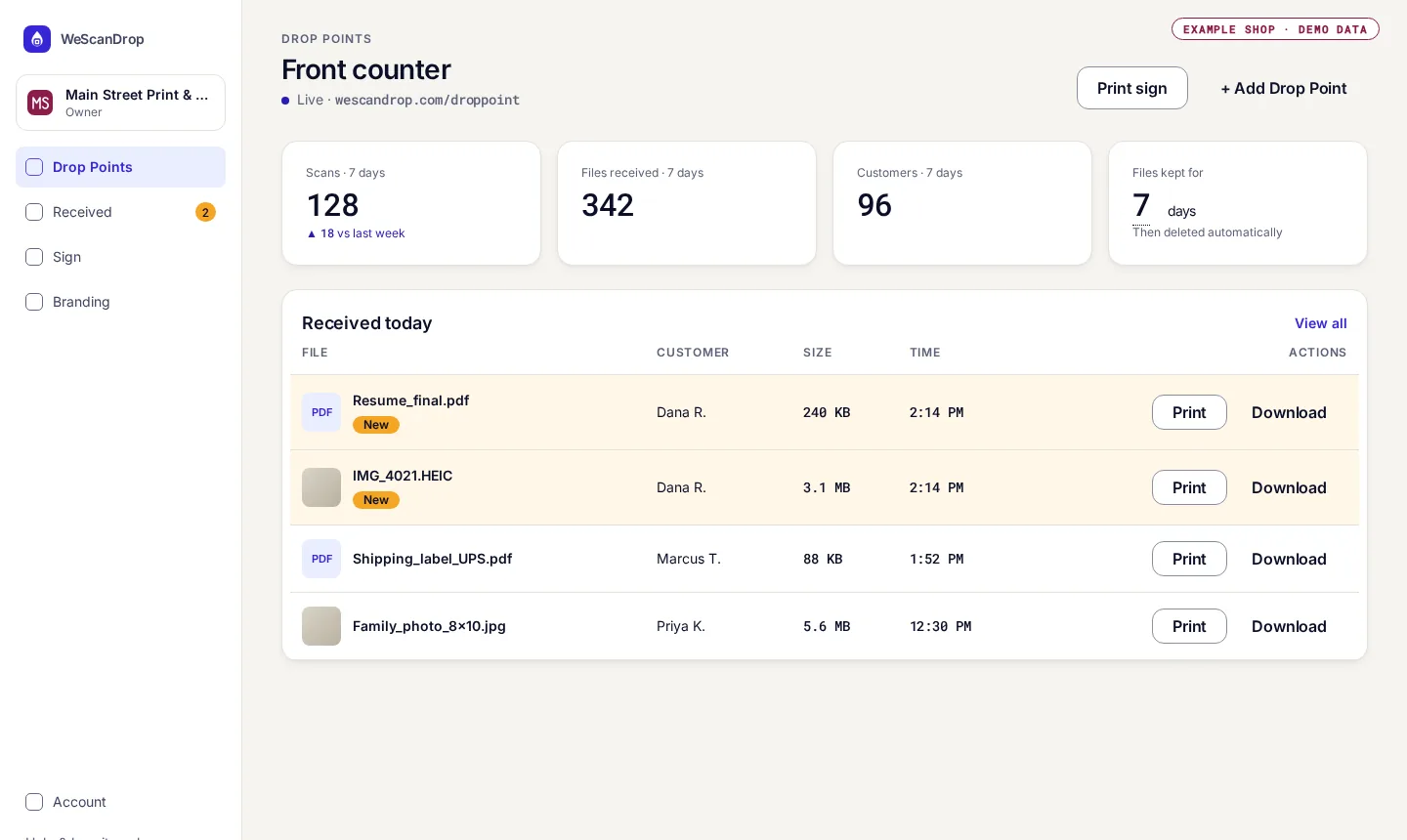
Every file, ready to print.
New files arrive at the top of your dashboard, grouped by customer. Print or download with one click.
For shops
Made for the businesses customers walk into with a file.
Print and copy shops
Flyers, résumés and posters sent at the counter instead of by email or chat.
Photo shops
Customers send the photos they want printed straight from their camera roll.
Shipping stores
Labels, return slips and documents arrive ready to print.
Pricing
Free Early Access through December 31, 2026
Pro features with a free account. No card or automatic charge for Early Access.
Free tools
Just need to move a file?
WeScanDrop started as a free way to send files between your phone and your computer from the browser: scan a QR code and move photos, videos and documents across devices. It’s still here, free.